Smart scanning
Detect page edges, correct perspective, rotate and apply clear document filters.
Private documents. Practical tools.
Scan with automatic edge detection and perspective correction, recognize text locally, then organize, edit, sign, compress or protect your PDF — without uploading your documents to our servers.
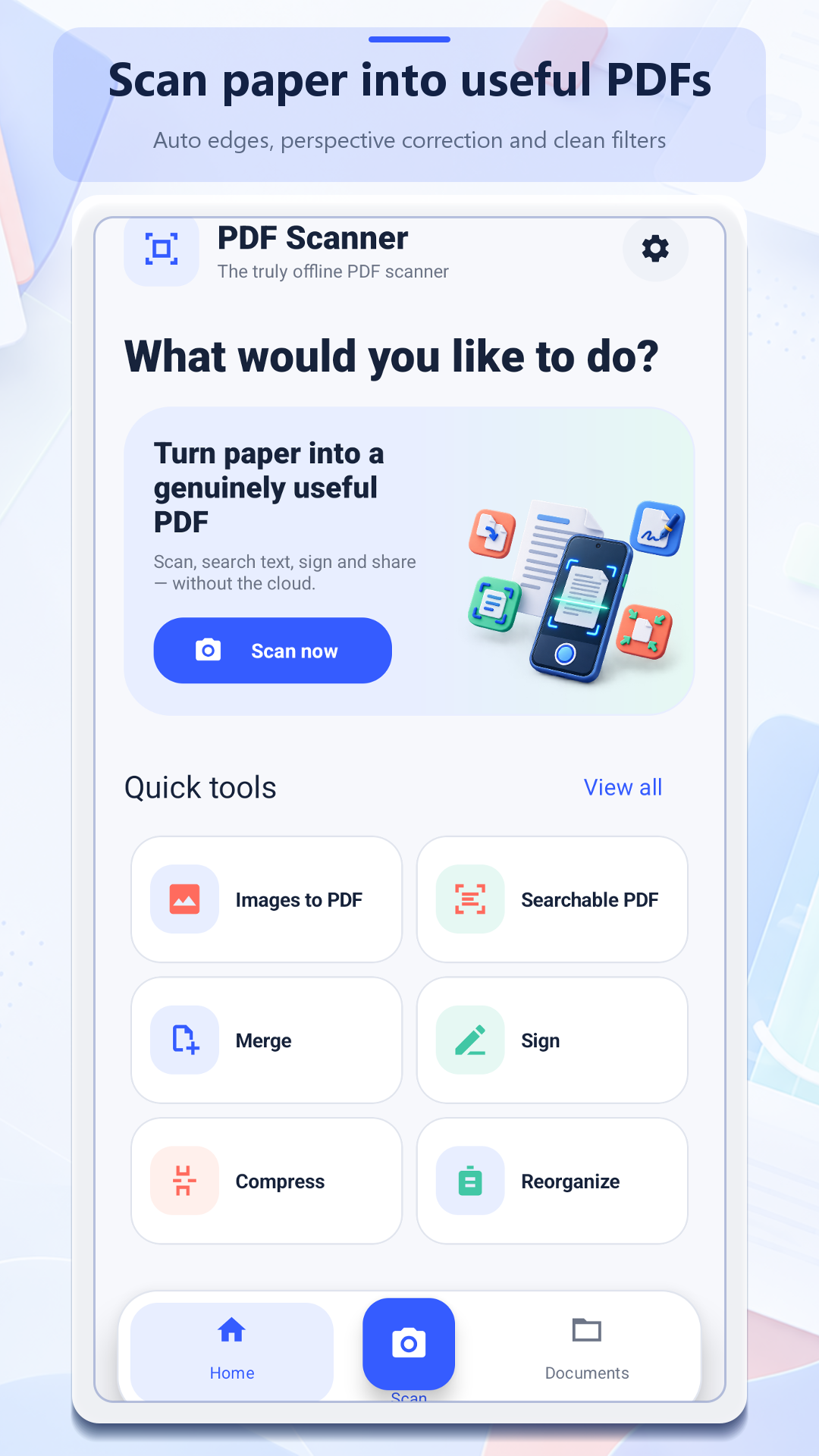
One focused toolbox
Each tool has its own guided interface and advanced options, while common actions stay easy to reach from the home screen.
Detect page edges, correct perspective, rotate and apply clear document filters.
Recognize Latin-script text on the device and optionally export a text copy.
Merge, split, rotate and reorder pages with a visual editor.
Create PDFs from images or export PDF pages as images in a ZIP archive.
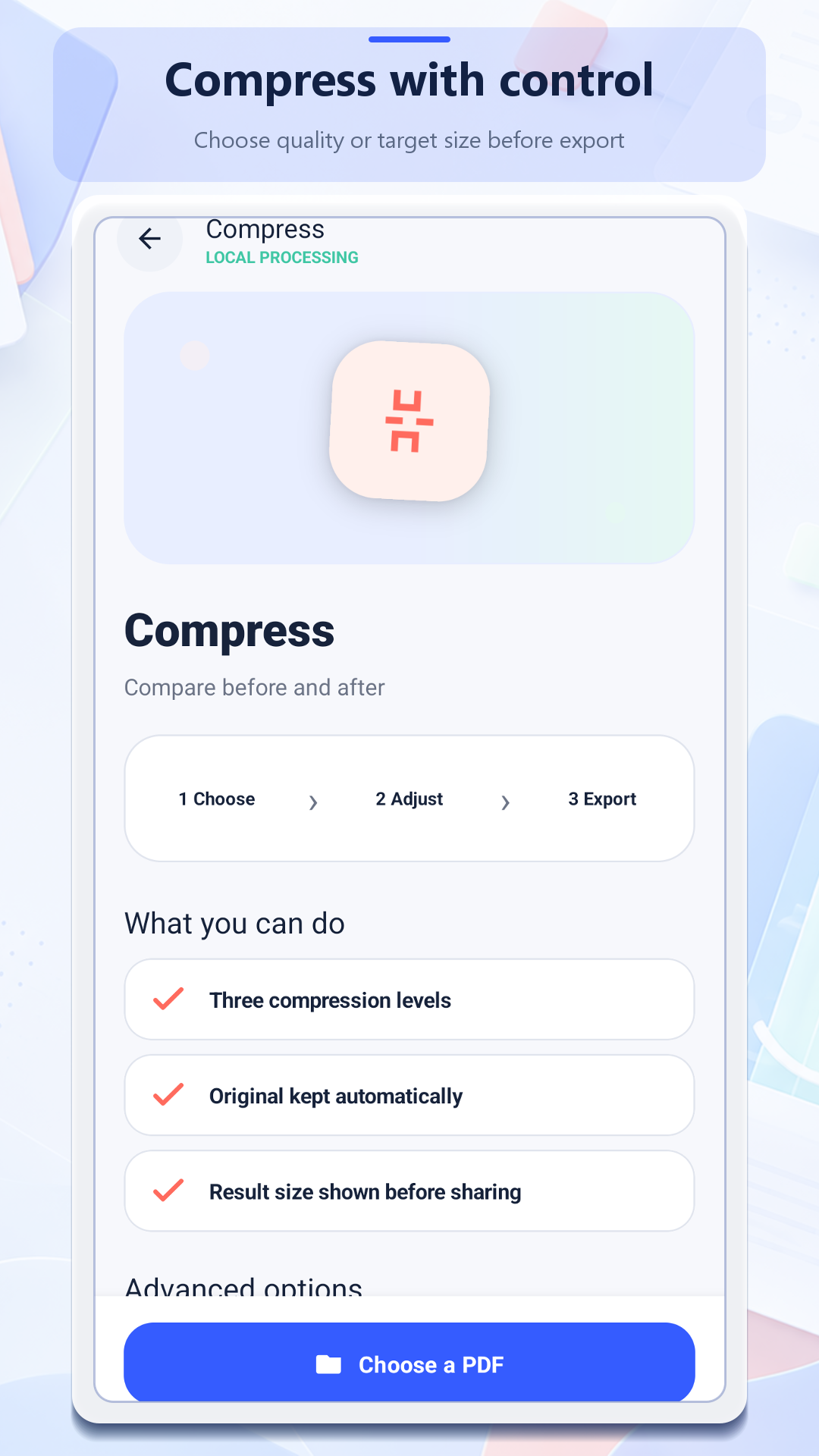
Choose a quality level or target file size and keep the original automatically.
Sign, annotate, watermark, number pages, add a password and create encrypted backups.
Offline-first by design
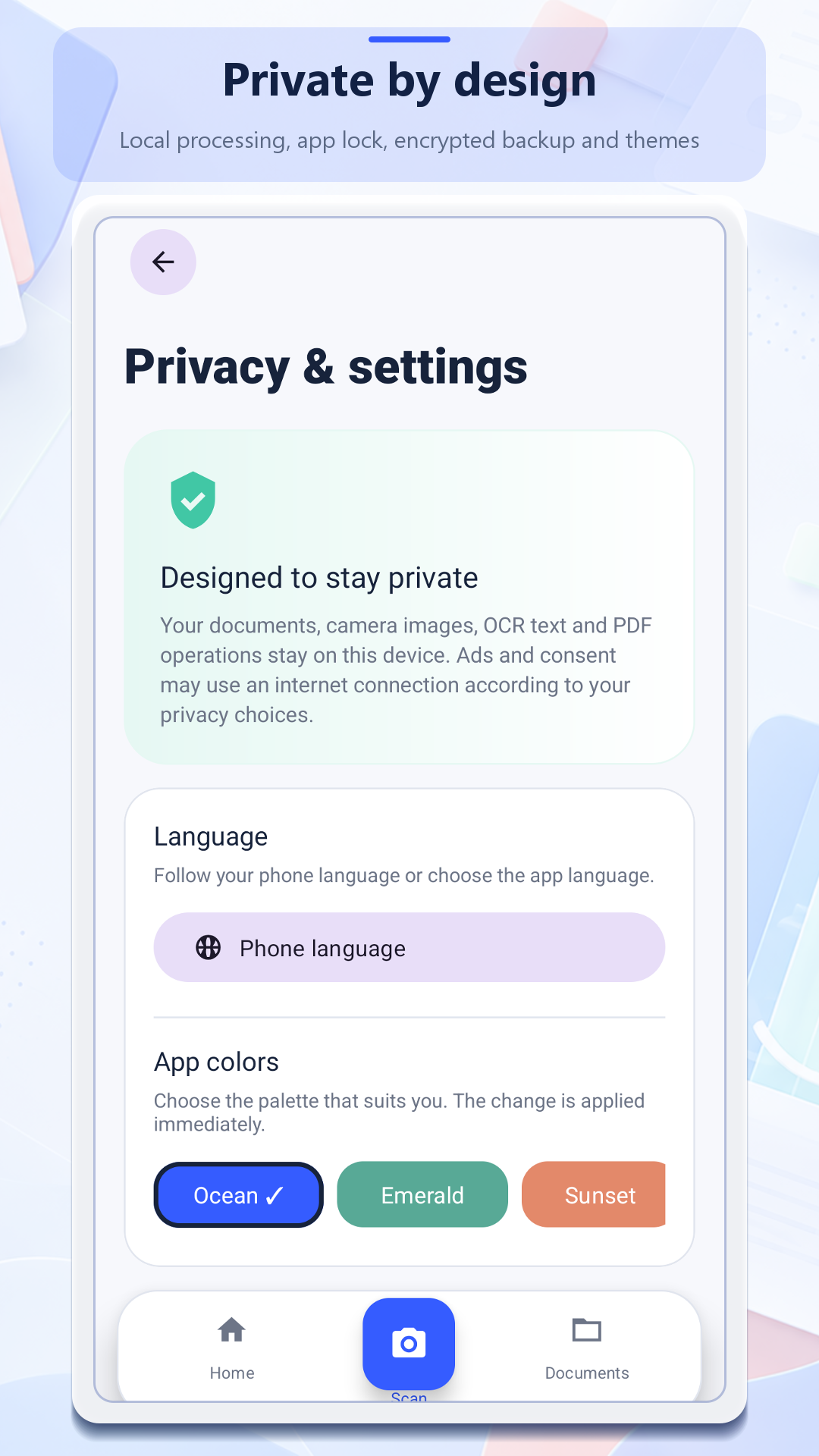
Camera images, imported files, OCR text, signatures and PDF operations are handled locally. Internet access is used separately for advertising, consent and optional diagnostics.
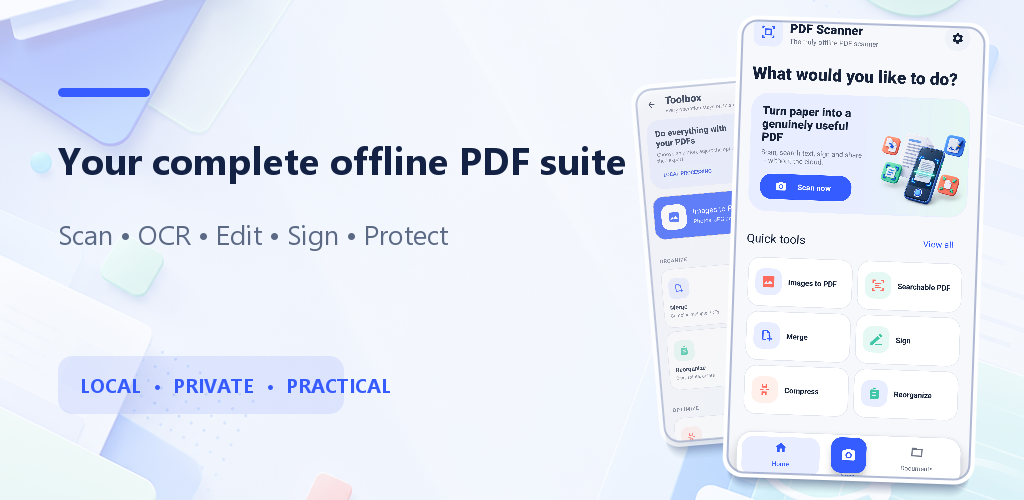
A clear workflow
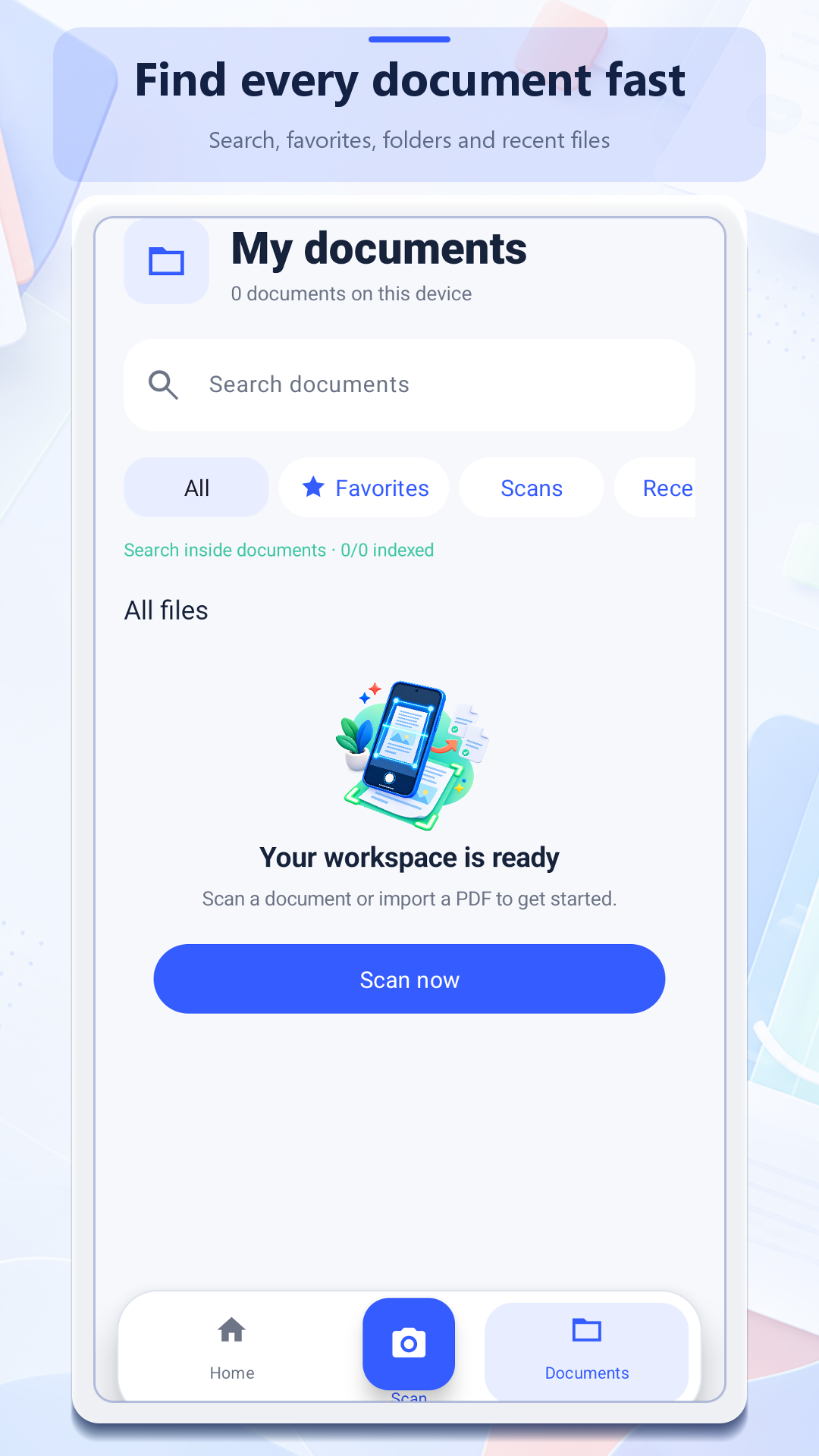
Use the camera, select images or open a PDF already on your phone.
Review detected corners, fix perspective and choose a readable filter.
Run OCR, reorder pages, annotate, sign or compress with advanced options.
Keep the result in the private library or export a copy to your chosen destination.
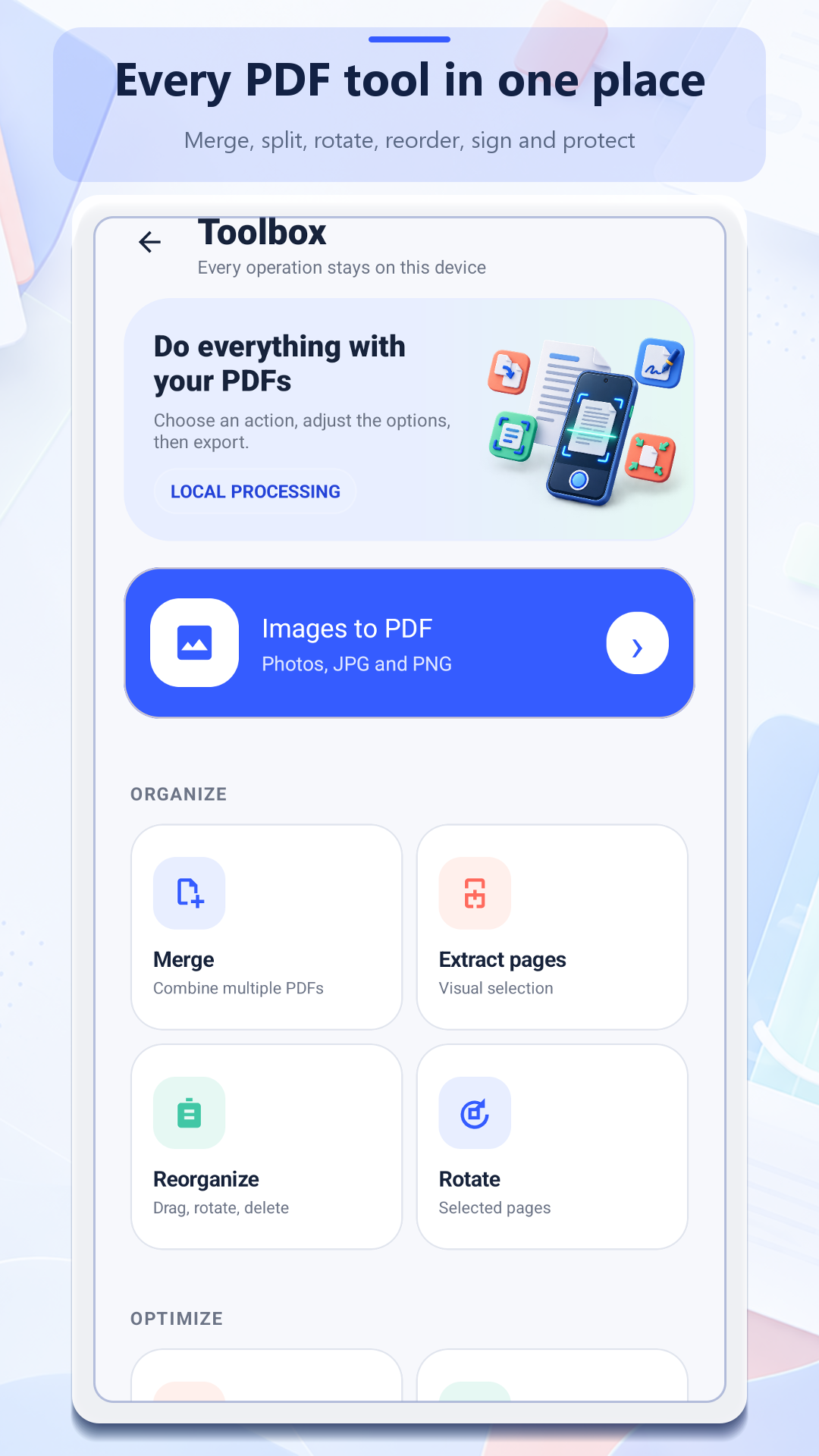
Real Android interface
These are real, ad-free captures of the localized app interface.
Privacy in plain language
The app has no account system or proprietary document cloud. Google Mobile Ads, consent services and optional Firebase diagnostics process separate technical data as explained in the policy, with an in-app diagnostics control.
Support
Tell us your Android version, the tool used and what happened. Do not attach confidential documents, passwords, signatures or identity papers.